
In remote monitoring systems, local backup is the layer that prevents data loss when connectivity fails, the central server becomes unavailable, or synchronization lags. This is especially important for hospitals, laboratories, pharmaceutical companies, and logistics operations that depend on continuous history to act quickly and prove compliance. In practice, the best strategy combines edge storage, clear retention rules, and frequent restoration testing.
When this design is well executed, operations remain visible during internet outages. Platforms like DROME gain value precisely at this point: monitoring shifts from being merely a cloud data stream to having resilience in the critical environment itself.
Key points to get the strategy right
- Local backup does not replace the cloud, it reduces the risk of operational gaps.
- The data that matters most is recent data, so events, alarms, and raw telemetry need priority.
- Syncing later is not enough, you must guarantee temporal order, integrity, and timestamps.
- Power and connectivity are part of backup, so gateway, storage, and UPS must be designed together.
- Backup without testing is just intention, because restoration is what proves continuity and auditability.
Why local backup is essential in remote monitoring
It is essential because the main risk is not just losing files, but losing operational context. In critical environments, even a few minutes without records can make it impossible to analyze a temperature deviation, compromise a failure investigation, and weaken the traceability required by internal audits.
Remote monitoring typically depends on multiple layers: sensors, gateway, local network, internet, central application, and dashboards. If any of these layers fails, operations must continue collecting data at the point closest to the source. That is what local backup does: it holds the history at the edge until communication is restored.
This design also improves operational response. Instead of waiting for the cloud to return to confirm an event, the team can query the local repository, verify when the occurrence started, and act with less delay. For predictive solutions like DROME's approach, this data continuity is even more relevant, because analytical models depend on consistent historical series.
Which data should enter the local retention plan first?
Not all data needs the same treatment, so priority should focus on what sustains decision-making and compliance. The most common mistake is storing everything the same way and discovering, after failure, that truly critical records were incomplete.
In most projects, the priority order makes sense when it follows this logic:
- alarms and events with timestamps;
- high-frequency sensor readings, when they affect cold chain or safety;
- communication logs between device and platform;
- user actions, failure acknowledgment, and configuration changes;
- asset metadata, such as location, identification, and status.
This definition prevents storage waste and facilitates restoration. In a pharmaceutical freezer, for example, it may be more important to recover every minute of thermal deviation than to preserve administrative events of low impact with the same level of detail. The ideal design starts with process risk, not disk capacity.
What is efficient local backup in this type of operation?
Efficient local backup is one that continues recording, protects data integrity, and synchronizes without duplicating or corrupting information. In other words, it must function independently for a predictable period and resume communication with the central platform in an orderly manner.
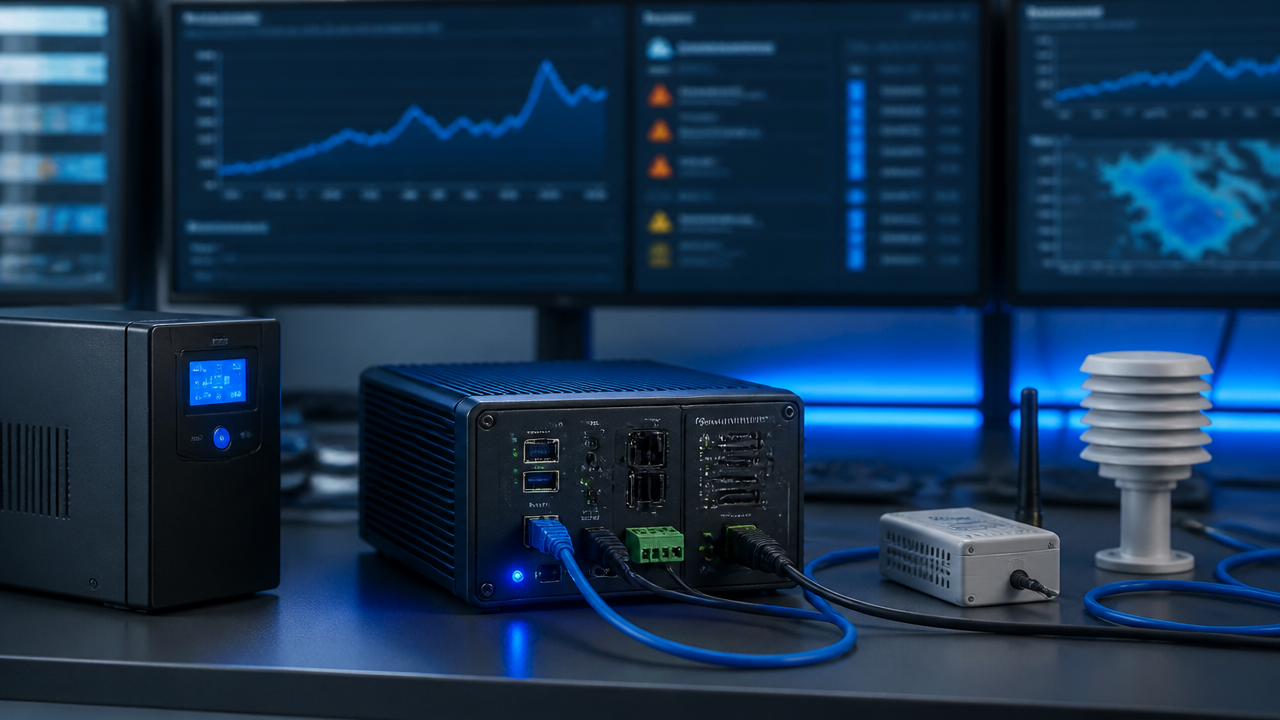
In the architecture, this typically involves an edge gateway or server with dedicated storage, automatic queue mechanism for unsent data, synchronized clock, and minimum electrical protection. It is also worth separating the processing function from the retention function, so that a load spike does not compromise the history.
The most important components are:
- local storage with capacity sized by volume and retention window;
- persistent queue for automatic resend when connection returns;
- integrity checking to detect corrupted files;
- configuration and firmware version control;
- UPS for safe shutdown and data preservation.
When the organization already uses AI to detect patterns, as occurs in advanced monitoring platforms, this local layer also protects the quality of the history that feeds future analyses. It is not just about storing, but about preserving the analytical continuity of the environment.
What are the 3 types of backup and which fits best with monitoring?
The three most common formats are full, incremental, and differential. For remote monitoring, the best result rarely comes from choosing just one. The safest approach is to combine continuous local retention with a central policy that reduces volume without losing traceability.
| Type | How it works | Where it makes most sense |
|---|---|---|
| Full | Creates a complete copy of the entire dataset | Periodic reference points and broad restoration |
| Incremental | Stores only what changed since the last copy | Frequent telemetry and space savings |
| Differential | Records what changed since the last full backup | Environments that need to restore with fewer steps |
In critical monitoring, it usually works well to keep recent operational data in continuous local buffer, consolidate incremental batches during synchronization, and execute full copies in planned windows. This way, restoration becomes more predictable and storage consumption remains under control.
What does the 3-2-1 rule say and how to adapt it to critical telemetry?
The 3-2-1 rule remains valid, but must be translated to the reality of sensors. Instead of thinking only about office files, the organization should recognize that telemetry is also an operational and regulatory asset.
A practical adaptation looks like this:
- 3 copies of essential data: active origin, local retention, and central environment;
- 2 distinct media: edge storage and central infrastructure or cloud;
- 1 isolated copy for recovery from major incidents.
The decisive point is the local window. If the unit can operate 24, 48, or 72 hours without internet, the backup must be sized for this real scenario, not for an ideal condition. This calculation must consider collection frequency, number of sensors, log size, and alarm volume. Without this calculation, the strategy looks robust on paper but fails at the first prolonged outage.
How to maintain alarms and history even without internet?
The path is to treat the edge as part of the system, not as an accessory. Alarms must be generated locally, with embedded minimum rules, so the event exists even if the central layer is offline.
This means the environment must remain capable of:
- capturing sensor reading without cloud dependency;
- comparing values against local thresholds;
- recording onset, duration, and normalization of deviation;
- synchronizing everything afterward, preserving temporal sequence.
This model is more mature than simply storing packets for later transmission. It guarantees operational evidence during the incident and reduces discussions about data gaps. For DROME, for example, this approach aligns well with the logic of risk anticipation: the fewer holes in the history, the greater the confidence to identify patterns that precede failures.

How to validate if backup really works when it matters most?
Validation must simulate real failure. If testing is limited to confirming that a file exists, it does not prove operational continuity or reliable restoration capability.
A lean and effective checklist includes:
- simulate internet loss and measure how long the system maintains local collection;
- power down with controlled protection to validate integrity on restart;
- restore data from a specific period and compare with the original record;
- verify that alarms, acknowledgments, and configuration changes reappear correctly;
- document responsible party, frequency, and result of each test.
It is also worth defining simple governance indicators, such as maximum acceptable time without synchronization, percentage of data reconciled after reconnection, and restoration success rate. When these tests become routine, backup shifts from technical promise to concrete part of risk management.
Errors that weaken monitoring resilience
The most dangerous errors are silent, because the system appears normal until the day of incident. For this reason, it is worth reviewing some points that usually compromise apparently mature projects.
- sizing storage by average instead of worst-case scenario;
- relying only on online synchronization, without persistent local queue;
- not recording configuration changes and user actions;
- not testing restoration in small time windows;
- maintaining backup without expiration policy, review, and defined responsibility.
In regulated environments, another recurring error is separating IT perspective too much from operational perspective. The technical team thinks about infrastructure, while the clinical, laboratory, or industrial area needs reliable evidence of the process. The backup strategy only becomes complete when it serves both sides.
Frequently asked questions
What are the 3 types of backup?
The most used formats are full backup, which saves the entire dataset; incremental, which records only what changed since the last copy; and differential, which records changes since the last full backup. In remote monitoring, the most practical combination usually unites continuous local retention and later synchronization with the cloud.
What is local backup?
Local backup is the copy of data maintained physically in the operation's own environment, such as a gateway, edge server, or industrial device. In monitoring systems, it preserves readings, events, and alarms even when internet fails, preventing history loss and traceability gaps.
What does the 3-2-1 rule say about backup?
The 3-2-1 rule guides maintaining 3 copies of data, on 2 types of media, with 1 copy outside the main environment. In critical monitoring, it remains useful, but must be adapted to the operation: one active local copy, another in central infrastructure, and a third protected for incident recovery.
What is the function of a backup?
The primary function of backup is to ensure recovery. In remote monitoring, this means restoring history, proving compliance, investigating deviations, and maintaining operational continuity after network, power, or hardware failures. Without backup, the system may remain visible, but loses confidence for audit and decision-making.
What is the difference between backup and security copy?
Backup is not just copying files, because simple copying does not necessarily preserve versions, integrity, automation, and retention policy. A security backup includes scheduled routine, validation, tested restoration, and corruption protection. In critical environments, this difference defines whether the data will truly be recoverable.